vStreamCenter
Modular stream schedule & Discord sync app (beta)
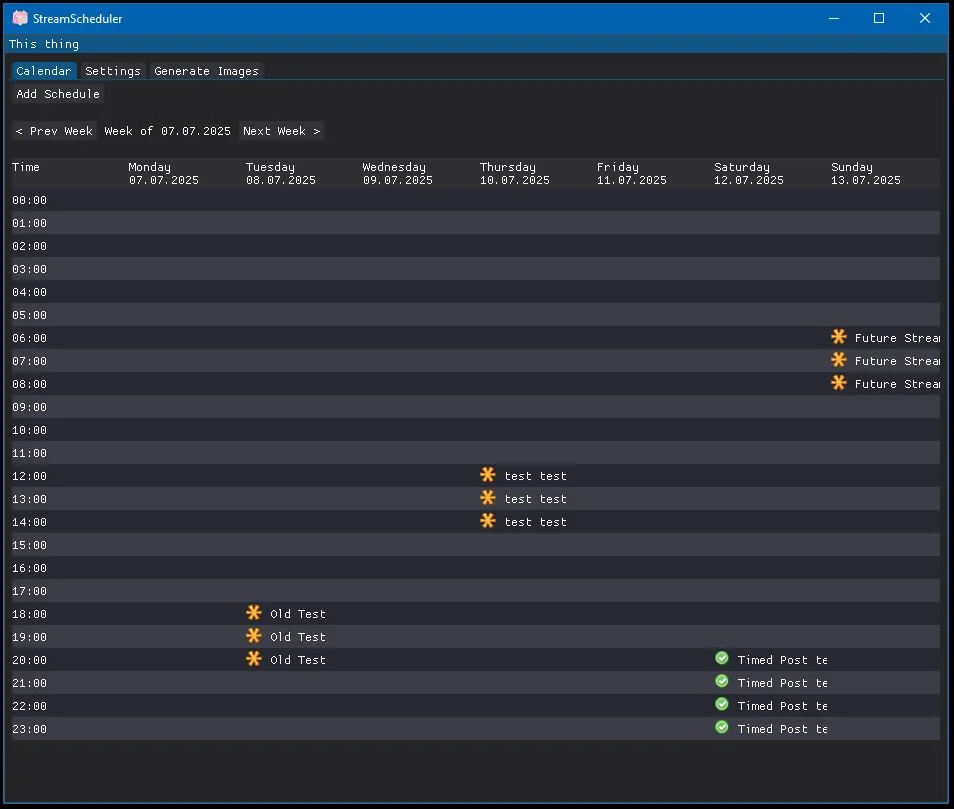
Your stream schedule, in one place
vStreamCenter manages your stream schedule visually: add, move and edit events in a drag-and-drop calendar, attach images and descriptions, and every change shows up in your schedule instantly.
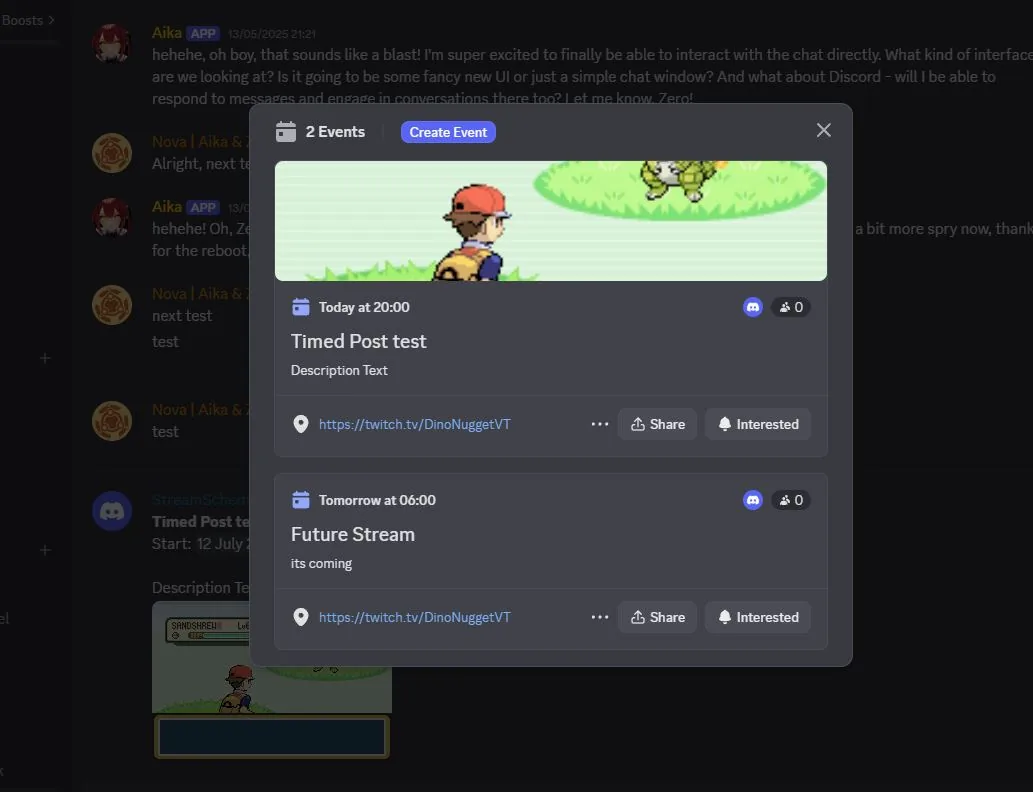
From there it does the busywork for you: it exports schedule images for every timezone you need and pushes your events to your Discord server as scheduled events – with cover images, descriptions and timed announcement posts.
Highlights
- Overlay boxes Add, move and resize overlay boxes on schedule images – fonts, colours and aspect ratio included
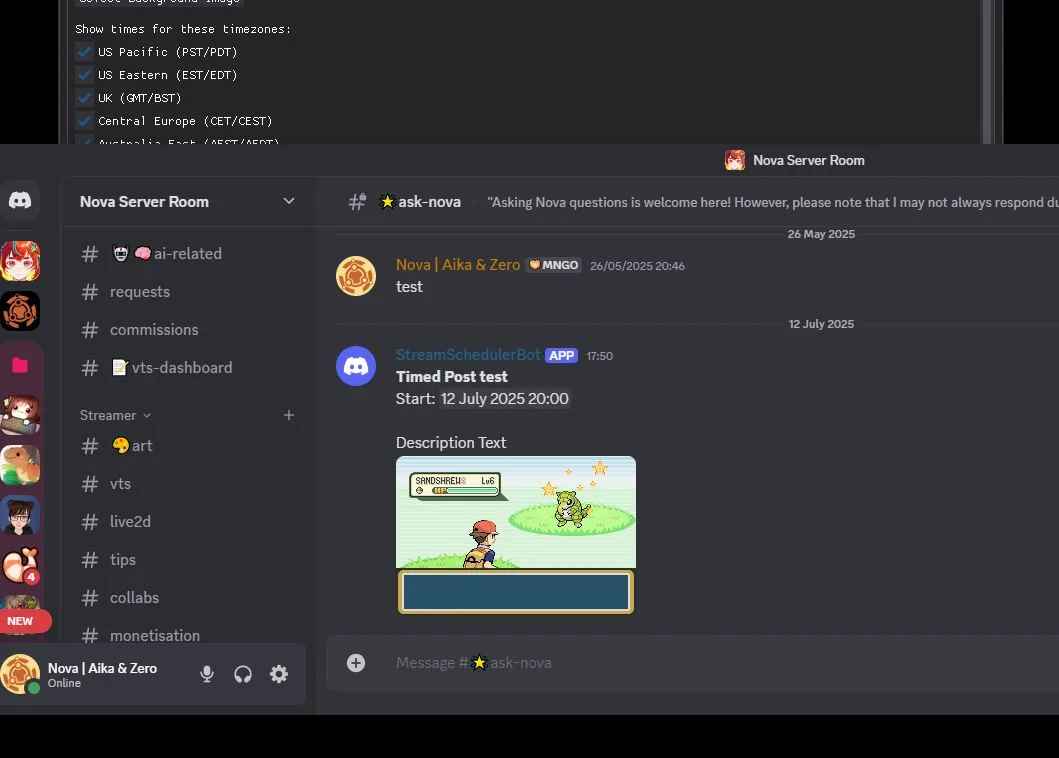
- Timed Discord posting Messages post automatically at a set time per event; status icons show posted, pending or failed
- High-quality exports Lossless PNG exports that match the preview exactly
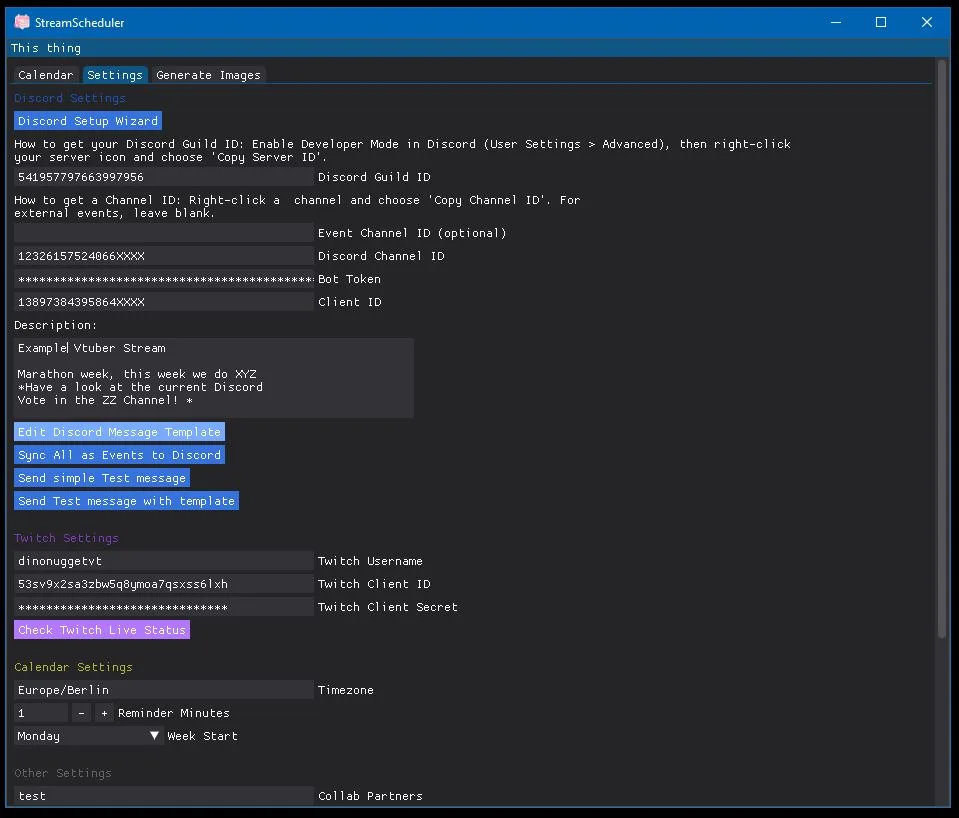
- Discord event sync Calendar events become Discord scheduled events; update logic prevents duplicates
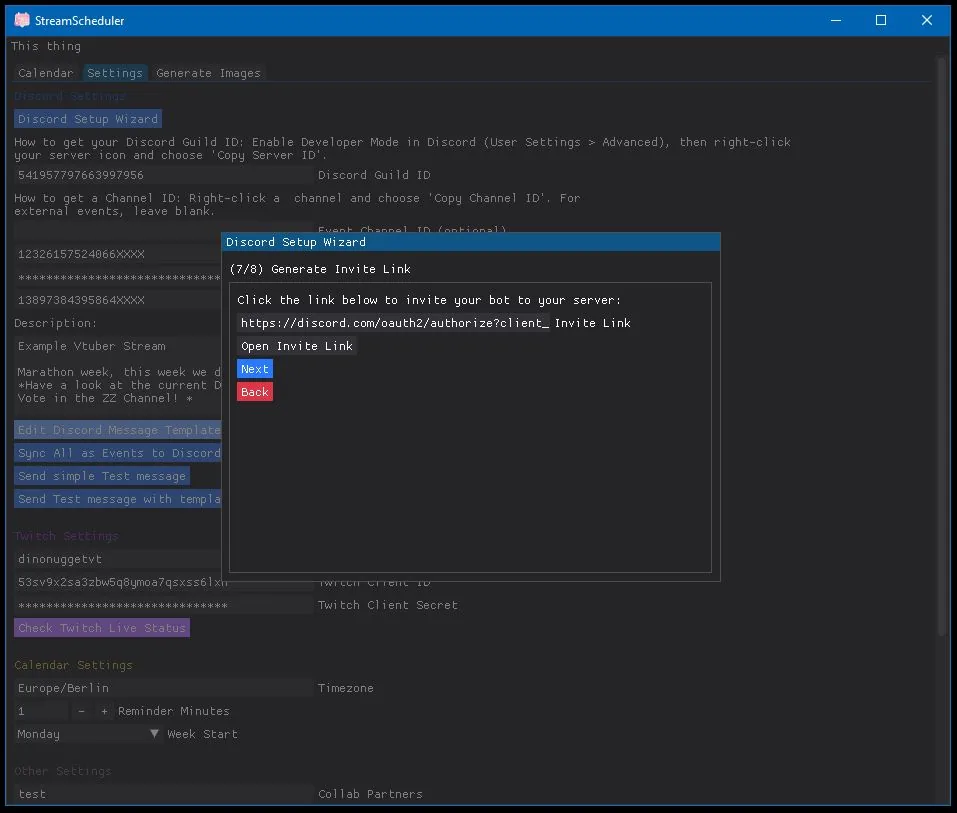
- Discord Event Wizard Set up the bot, pick channels and manage permissions
- Every timezone at once Generate schedule images for all selected timezones in one click
Screenshots
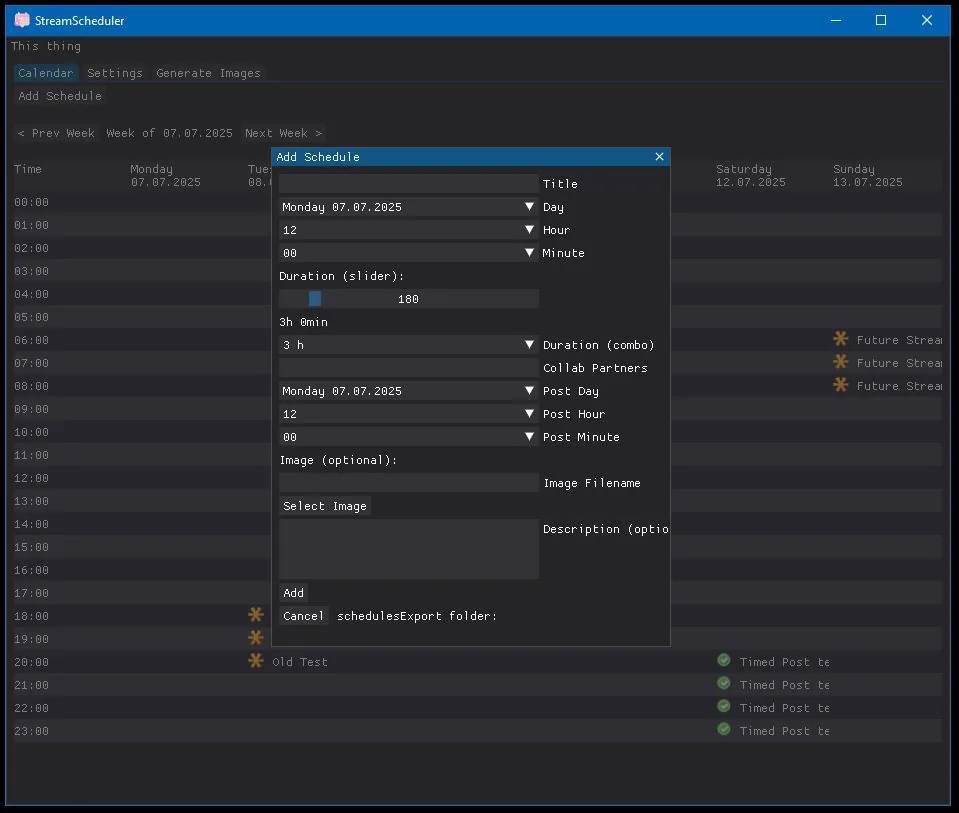
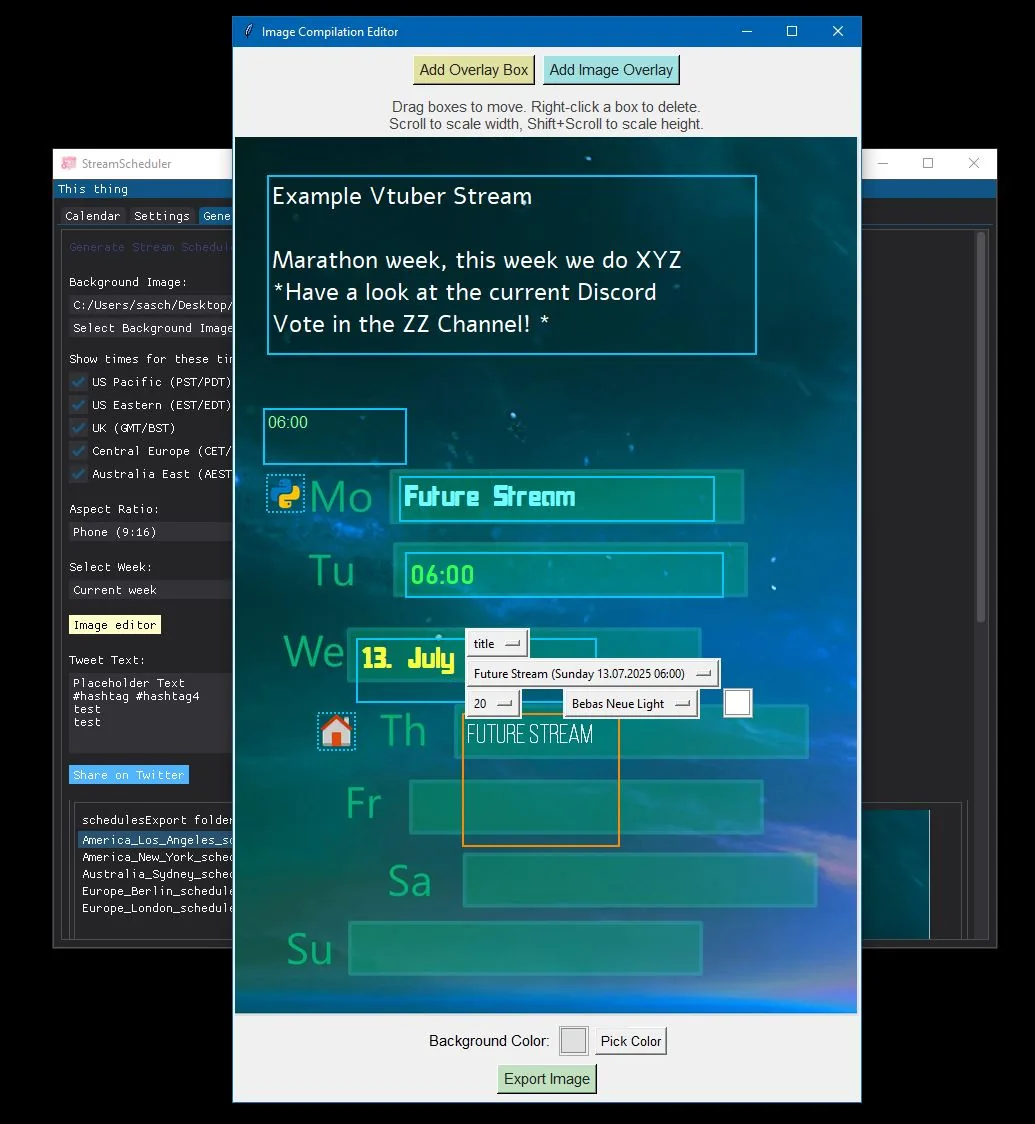
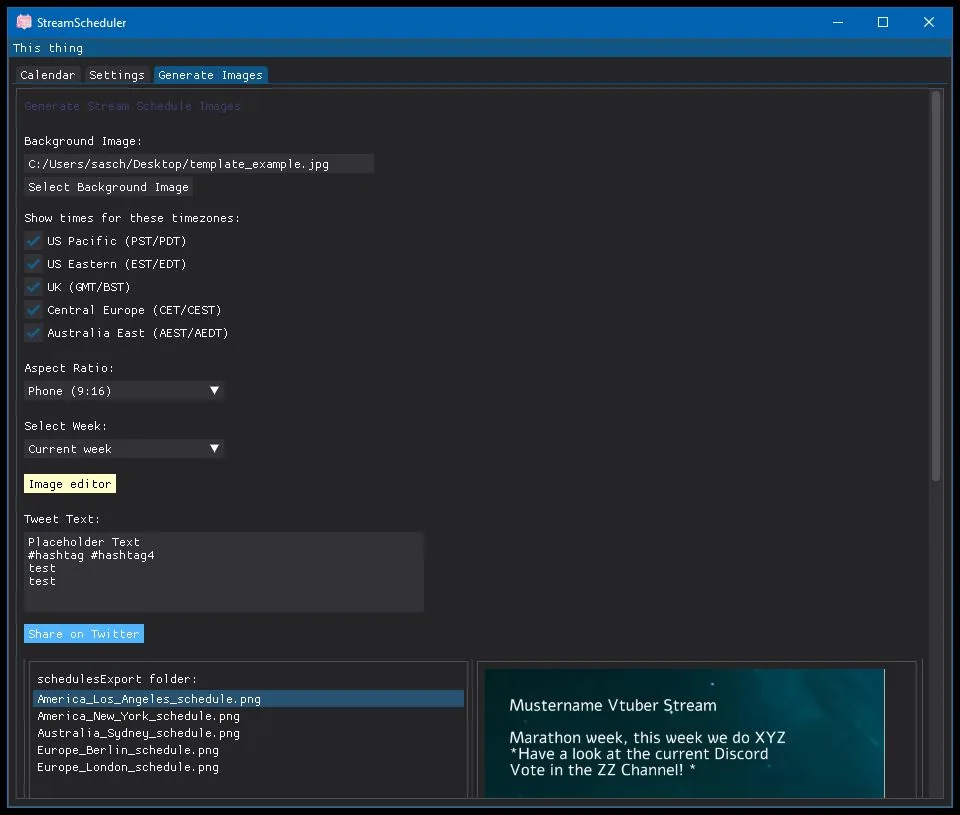
Download
The app is still in beta. Because of its size it comes as a ZIP file (about 50 MB).